Workplace / GUIDE 02
Interior Design Shanghai: Client Presentation Suites
Create a Shanghai client presentation suite that supports discussion, displays and hybrid participation through coordinated furniture and technology.
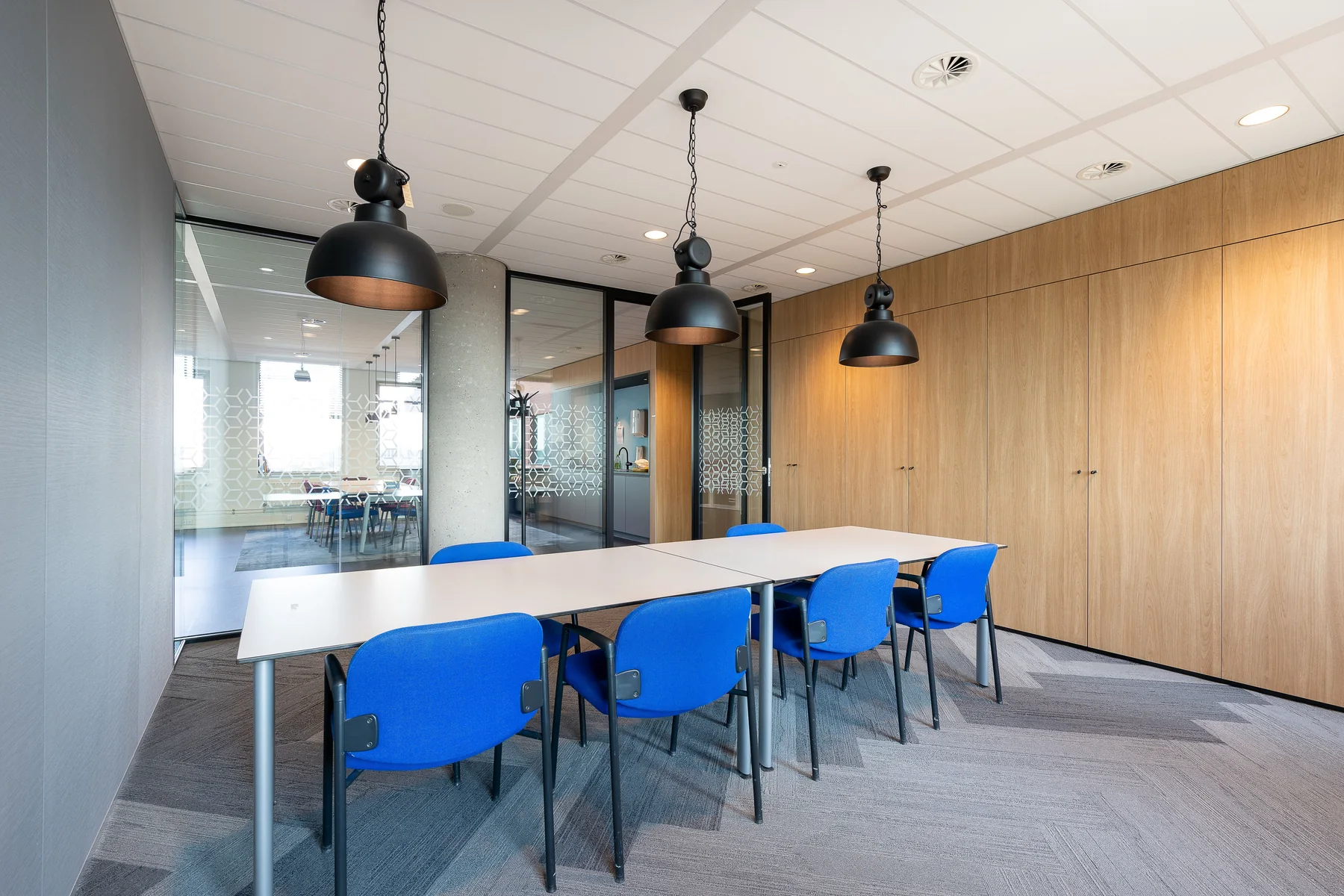
The essential idea
A presentation suite should be designed around the interaction it needs to support. Establish whether people will watch, discuss, handle samples or join remotely, then coordinate furniture, displays, lighting and controls. Test the complete meeting sequence before approving the room.
A client presentation room represents a business through the experience it provides. Guests notice whether they can see the material, hear the discussion and contribute comfortably. For a Shanghai office, the room may need to serve both visiting clients and colleagues joining from elsewhere. A coordinated suite makes the presentation feel considered because the space supports the conversation without demanding attention for its own operation.
Define the presentation formats
List the situations the room must accommodate: a formal pitch, a working review, a product demonstration or a remote conversation. Record the likely participants and the materials used in each situation. A room dominated by one large table may not suit every format equally well.
Choose the primary activity and identify acceptable compromises for secondary uses. This is more useful than declaring the room fully flexible without specifying what flexibility involves. The brief should explain which changes staff can make easily and which require additional support.
Coordinate sightlines from every seat
Place the display, presenter and participants on the same plan. Review the experience from the less favourable seats, not only the centre of the room. Check how people turn between the screen, the speaker and one another.
If physical products or samples are part of the meeting, provide a surface where they can be seen and handled. A distant display cabinet may communicate brand identity but do little to support a hands-on discussion. Match the setting to the scale and handling needs of the actual material.
Integrate remote participants into the room
Discuss camera views, microphone coverage and display arrangements with the audiovisual team. Consider whether a remote participant needs to see the whole group, the presenter or a working surface. Equipment positions should be coordinated with furniture and lighting before finishes are fixed.
Rehearse a realistic call using representative equipment where possible. Check the experience from the remote side as well as inside the room. A room that appears impressive in person may still give distant participants an unclear view or an awkward conversational position.
Give lighting more than one role
Presentation content, faces and written notes may need different lighting conditions. Review these uses together rather than assuming the room should become dark whenever a screen is active. Consider reflections on displays and on highly polished table surfaces.
Coordinate the intended settings and controls with the technical team. The person hosting the meeting should be able to establish a useful arrangement quickly. Clear labels and a limited set of relevant options can be more helpful than a complicated control interface.
Plan the arrival and reset
Guests need somewhere to put bags and a comfortable route to their seats. Presenters need access to materials, connections and any equipment they will use. Include these small operational details in the plan so they do not become improvised arrangements during a meeting.
After the session, staff should be able to return the room to its ready state. Provide storage for samples, cables and movable accessories. Decide where refreshments are prepared or cleared so those activities do not interfere with the presentation itself.
Approve the room through a rehearsal
Review the suite as a sequence from preparation to departure. Invite the people who will actually host and support meetings to test the arrangement. Record changes in the furniture, technology and controls together.
- Check views from every intended seating position.
- Present actual slides, drawings or sample materials.
- Test a remote call in both directions.
- Confirm that hosts can operate the room without guesswork.
- Rehearse clearing and preparing for the next meeting.
This practical review gives a Shanghai presentation suite a clear purpose: helping the business explain its work and helping clients participate in the discussion.
Common questions
Should a presentation suite always have a boardroom table?
No. The right arrangement depends on whether the meeting is mainly a presentation, a collaborative review or a demonstration. Compare layouts using the actual materials and interaction the room needs to support.
When should audiovisual planning start?
Begin while the room layout is being developed. Display, camera, microphone and connection requirements can affect furniture, lighting and construction details, so they should be coordinated before the room is fully specified.